Hide price until login in WooCommerce
Keep your pricing off the public catalog, and give visitors a Request a Quote button where the price used to be.
Storewide hiding is free. Targeting logged-out visitors only is a Pro feature.
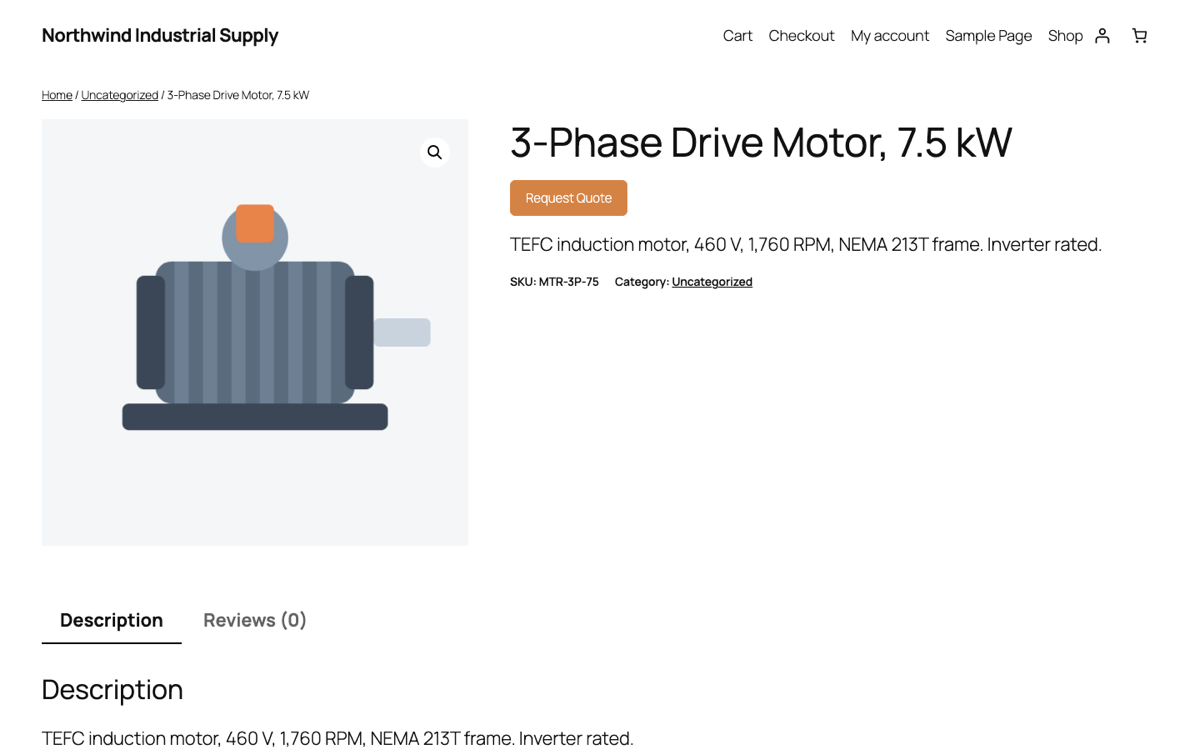
What it looks like
Same product page, prices and Add to Cart gone, one clear next step.
Why stores hide prices
Competitors read your site too
Published trade pricing is a gift to whoever you bid against. Quoting privately keeps your margins your business.
The real price depends on the deal
Volume, freight, contract terms. A single public number is either wrong or the highest one, and both cost you enquiries.
Trade buyers expect to ask
In B2B, “request pricing” is normal and signals you deal with businesses. It filters out retail tyre-kickers.
You still want to be found
Your products stay public and indexable. Only the price and the buy button go away, so the catalog keeps earning search traffic.
Free and Pro, plainly
Be clear about which one you need before installing.
Free Storewide catalog mode
Hide prices, hide Add to Cart, or both, across every product. Everyone sees the same thing, logged in or not. The quote button stays visible so there is always a way to buy.
Pro Hide from logged-out visitors only
Pro targets catalog mode by customer role, and treats logged-out visitors as their own role. That is what makes “prices visible once you log in” possible: the public sees a quote button, your trade accounts see their prices.
Pro By category or product
Hide pricing on one range while the rest of the catalog sells normally. Useful when made-to-order lines sit beside stock items.
Pro $15/month
Also includes quote editing before converting, PDF quotes, editable customer emails and quote search.
Questions people ask first
Does hiding prices hurt my SEO?
Your product pages stay published and crawlable, and the descriptions, images and specifications are untouched. Google cannot show a price in rich results it cannot see, so you may lose that decoration on the listing. For B2B catalogs where the price was never public anyway, that is a fair trade.
Can customers still check out normally?
Yes, unless you hide Add to Cart too. The two switches are separate: hide the price but keep the cart, or remove both and quote everything.
What does a visitor see instead of the price?
The Request a Quote button, in the same place the price and cart controls were. Nothing looks broken or empty.
Can I hide prices from the public but not from trade accounts?
That is the Pro behaviour described above. Free applies to everyone equally.
Will it work with my theme?
It hooks WooCommerce's own price and cart output, so it follows your theme rather than fighting it, including block themes and page builders.
Turn your store into a catalog today
Install free, switch on catalog mode, and see how it looks before you decide on Pro.